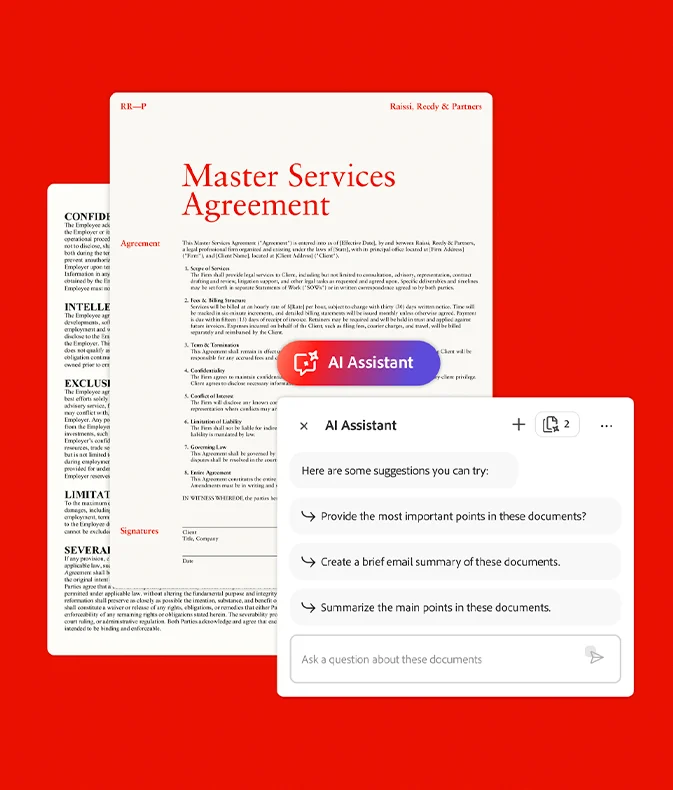
Turn documents into insights and action with PDF Spaces in Acrobat Studio
Document-heavy workflows slow teams down. Important information is buried in long files, scattered across formats, and difficult to analyze quickly, making it harder to move from insight to action.
PDF Spaces in Adobe Acrobat Studio redefines how work gets done by bringing documents, AI-powered insights, and collaboration into one secure workspace.
Instead of switching between tools or manually reviewing content, teams can interact with documents, uncover key information, and create polished outputs — all in one place.
With PDF Spaces, you can:
Keep files, insights, and collaboration in a shared workspace
Search, summarize, and compare multiple documents at once
Ask questions in natural language and get contextual answers
Create content like summaries, presentations, and briefs
Control access and permissions with enterprise-grade security
Discover how PDF Spaces helps your team move faster, stay aligned, and turn document-heavy work into high-impact outcomes.
We use cookies on our website to give you the most relevant experience by remembering your preferences and repeat visits. By clicking “Accept All”, you consent to the use of ALL the cookies. However, you may visit "Cookie Settings" to provide a controlled consent.
This website uses cookies to improve your experience while you navigate through the website. Out of these, the cookies that are categorized as necessary are stored on your browser as they are essential for the working of basic functionalities of the website. We also use third-party cookies that help us analyze and understand how you use this website. These cookies will be stored in your browser only with your consent. You also have the option to opt-out of these cookies. But opting out of some of these cookies may affect your browsing experience.
Necessary cookies are absolutely essential for the website to function properly. This category only includes cookies that ensures basic functionalities and security features of the website. These cookies do not store any personal information.
Any cookies that may not be particularly necessary for the website to function and is used specifically to collect user personal data via analytics, ads, other embedded contents are termed as non-necessary cookies. It is mandatory to procure user consent prior to running these cookies on your website.